 RSVP Circle
Invite family and friends from your phone and see who's coming.
Send each family its own RSVP link by text or WhatsApp, straight from your own phone. Answers come back in one place: who's coming, how many adults and kids, and who's bringing which dish.
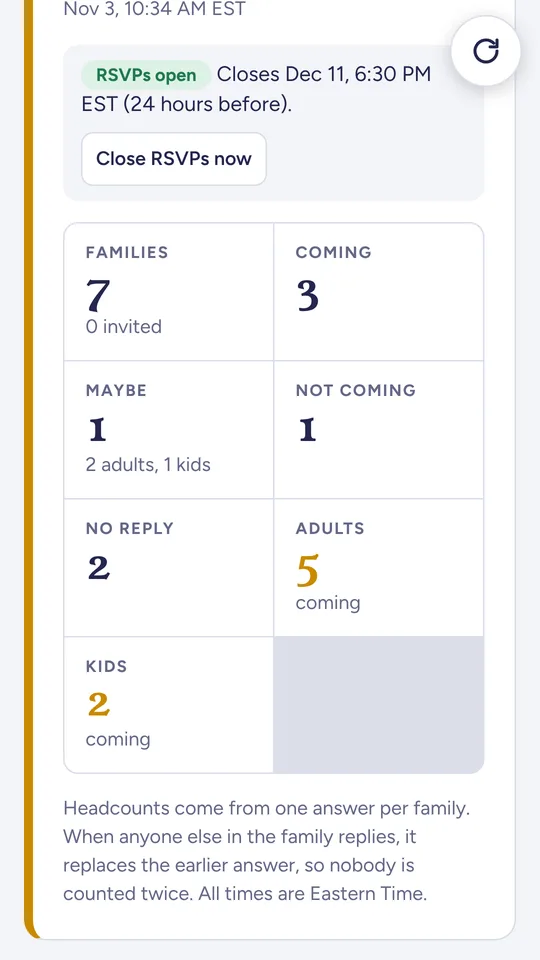
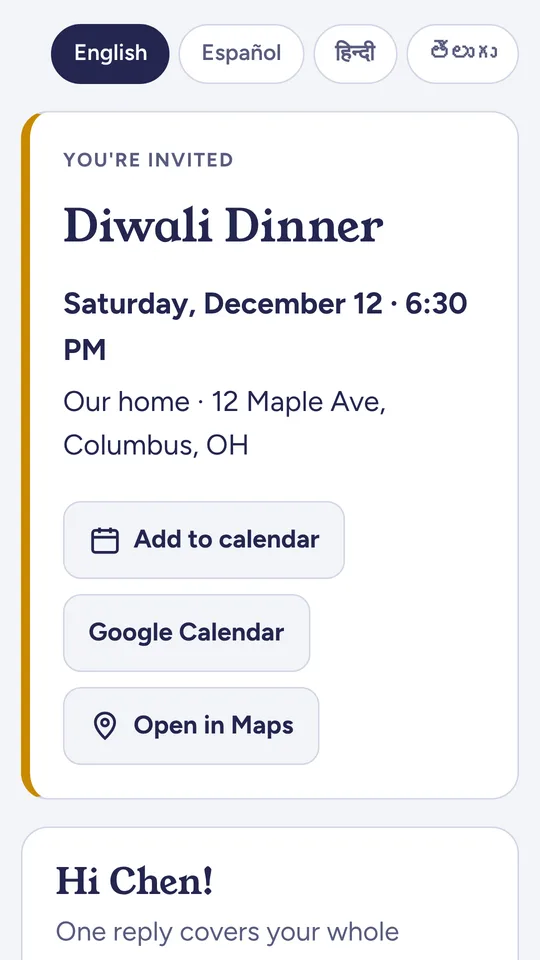
Everything a host needs, nothing guests have to install
Guests answer from a link that opens in any browser. No app and no account on their side.
Invite from your phone
Add guests from your contacts and send the invitation by text or WhatsApp, from your own number.
One link per family
Each family gets a personal RSVP page in English, Spanish, Hindi or Telugu.
See who's coming
Adults and kids at a glance, food preferences, and replies as they come in.
Multi-part events
Ceremony, lunch and dinner in one invitation, with calendar links for each part.
Dishes and catering
Dish sign-ups so nothing doubles up, and a catering summary for the caterer.
Co-hosts
Share the work: co-hosts can help run the guest list.
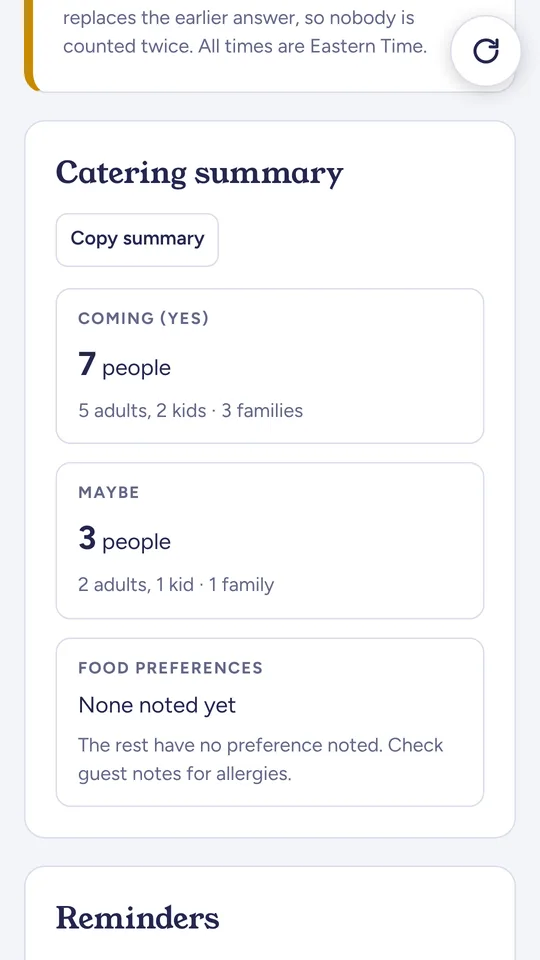
Plan the food with real numbers
RSVP Circle adds up the answers so you don't have to.
- Headcounts of adults and kids for each part of the event
- Food preferences gathered from every family
- Who's bringing which dish, so nothing doubles up
- A summary you can share with the caterer
Your guest lists are private.
No ads, no tracking, never sold. Only you and the co-hosts you add can see your guest list. You can delete your account and everything in it from the app at any time.
Support
Need help with RSVP Circle? Email support@abcitgroup.com. We usually reply within 2 business days.
Do my guests need the app?
No. Each family gets a link that opens in any browser on any phone or computer.
Who can see my guest list?
Only you and the co-hosts you add.
How do I delete my account?
In the app, go to Settings → Delete account. Everything is removed.
Who is RSVP Circle for?
Hosts aged 18 or older planning personal social events in the United States: family gatherings, religious events and birthdays. It isn't for marketing or business messaging.